 INSTAGRAM
Architecture, light & quiet spaces
A little inspiration for a slower space.
Your links, screenshots, references and ideas — visually organized in one place. Sevit turns everything you find online into a searchable visual library. Save a link, capture a screen, upload an image, and find it again when you actually need it.
Available on Web · Android · Browser Extension
INSTAGRAMA little inspiration for a slower space.
Notes on typography, rhythm, and giving your ideas room to breathe.
Small details. A clearer picture.
 WEB
WEBPackaging ideas for the next side project.
A weekend project to finally put those React ideas into practice.
Forest, clay, and a little sunlight.
One pan, a handful of ingredients, and no complicated instructions.
Places for the next long weekend.
A wish list for a calm workspace: a compact keyboard, warm light, and less clutter.
A reminder that inspiration doesn't need a perfect folder.
Motion references for the next thing you make.
Your quiet visual memory that captures what you discover, then hands it back the instant you want it.
Keep articles, tools, inspiration and social media posts from around the web.
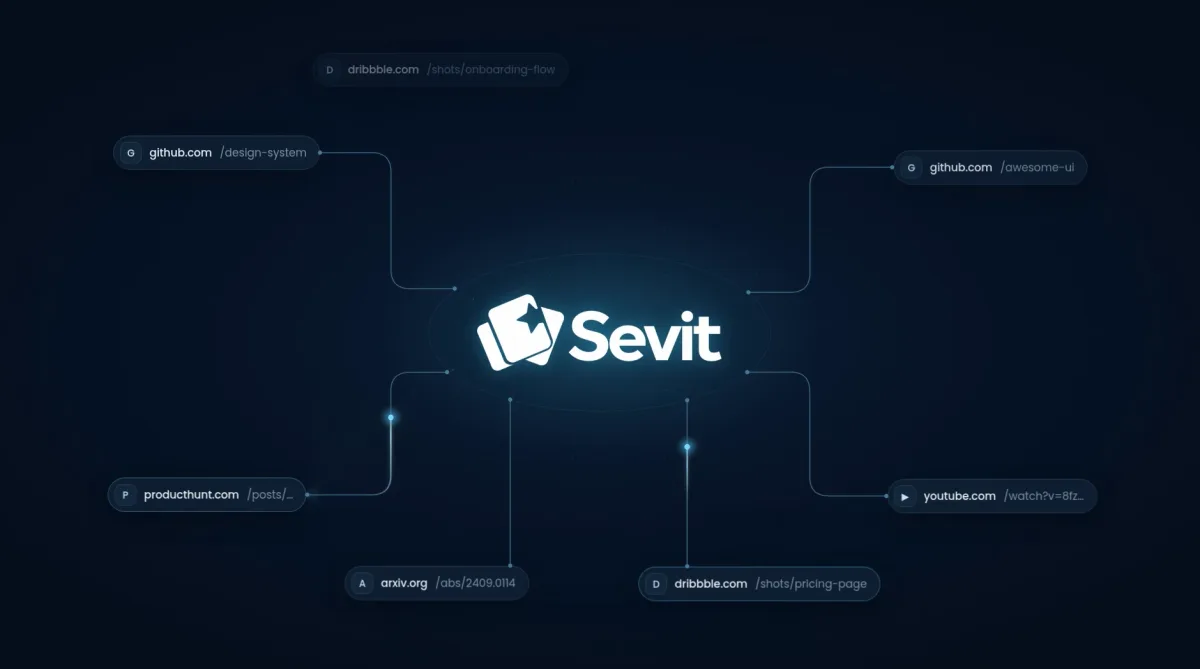
Save a screenshot of anything you find interesting.
Share anything from your apps and Sevit keeps it for you, ready to find when you need it.
Android app soon!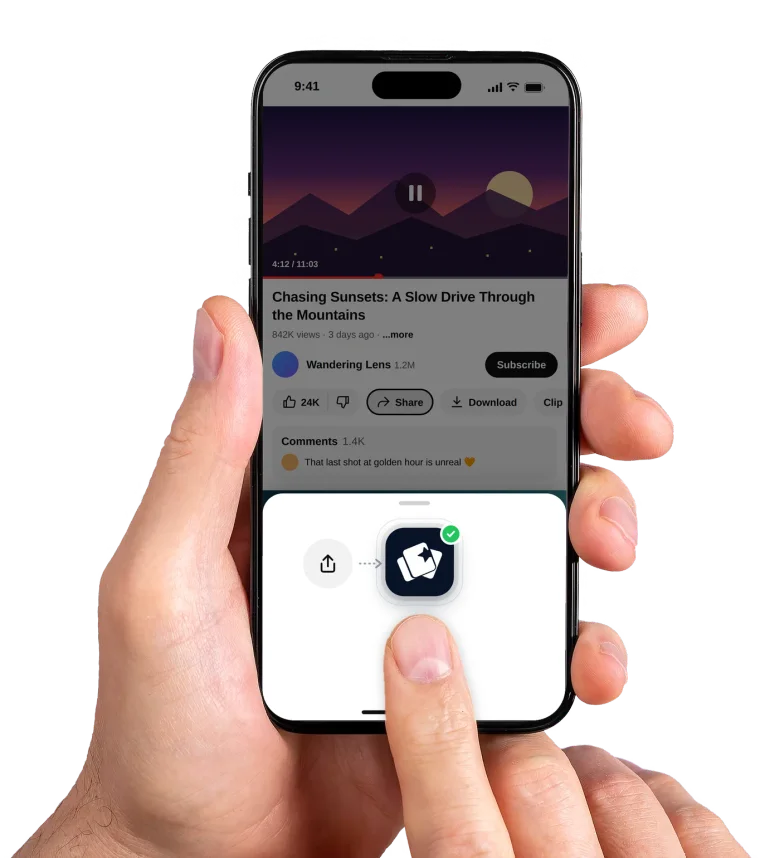
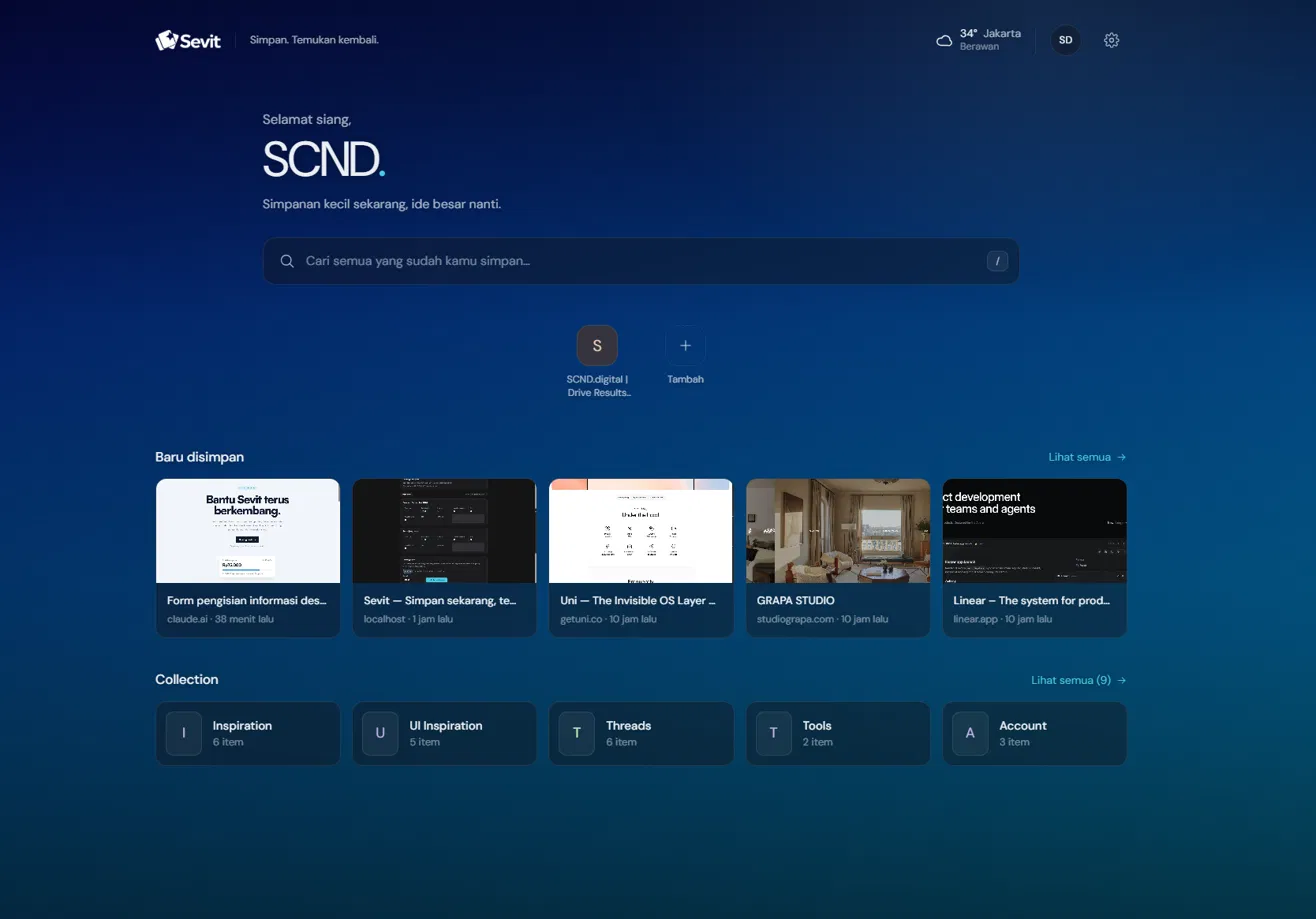
Turn every new tab into a quick view of your Sevit library. See recent saves, jump back into collections, check the weather, or save something new without leaving your browser.
Gather references, inspiration, products or places into one collection, then share it with a single link.
Yes. Sevit is supported by sponsors and by supporters who choose to contribute — not by subscriptions. There is no paid tier holding anything back.
Links — articles, products, videos, posts — along with screenshots and images you upload. Each one gets a preview and becomes searchable the moment it is saved.
Private by default. Nothing you save is visible to anyone unless you deliberately share a Collection by link, and that link can be revoked at any time.
No. The web app saves links and images on its own. The extension adds one-click saving and screen capture from any page — the visible area, a selection you draw, or the full page.
Yes. The Android app puts Sevit in your share sheet, so anything you can share, you can save — and it opens the same library.
You can share a Collection with an unlisted link. Anyone holding the link can view it, nobody else can find it, and revoking the link ends access immediately.
